
About me
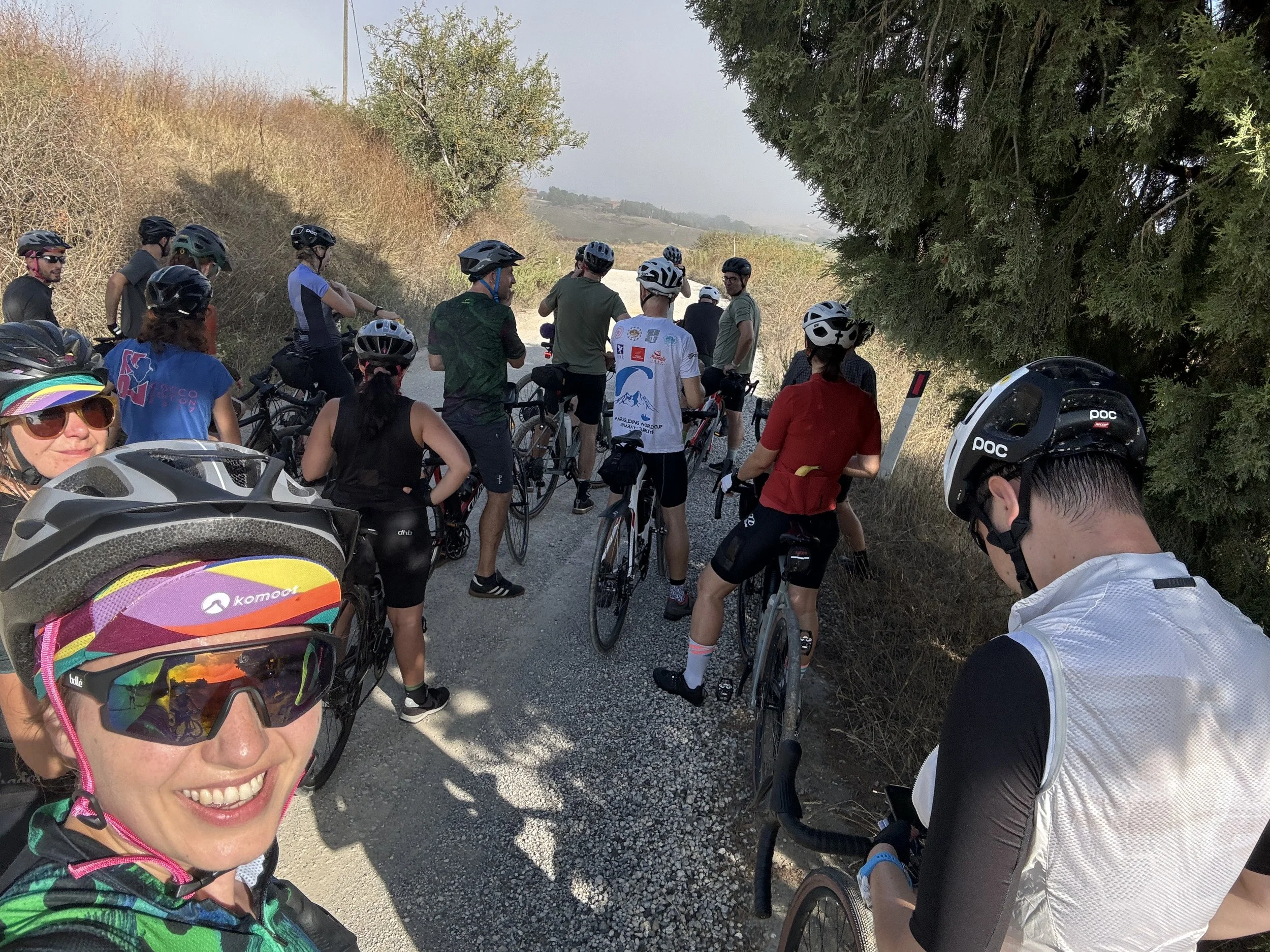
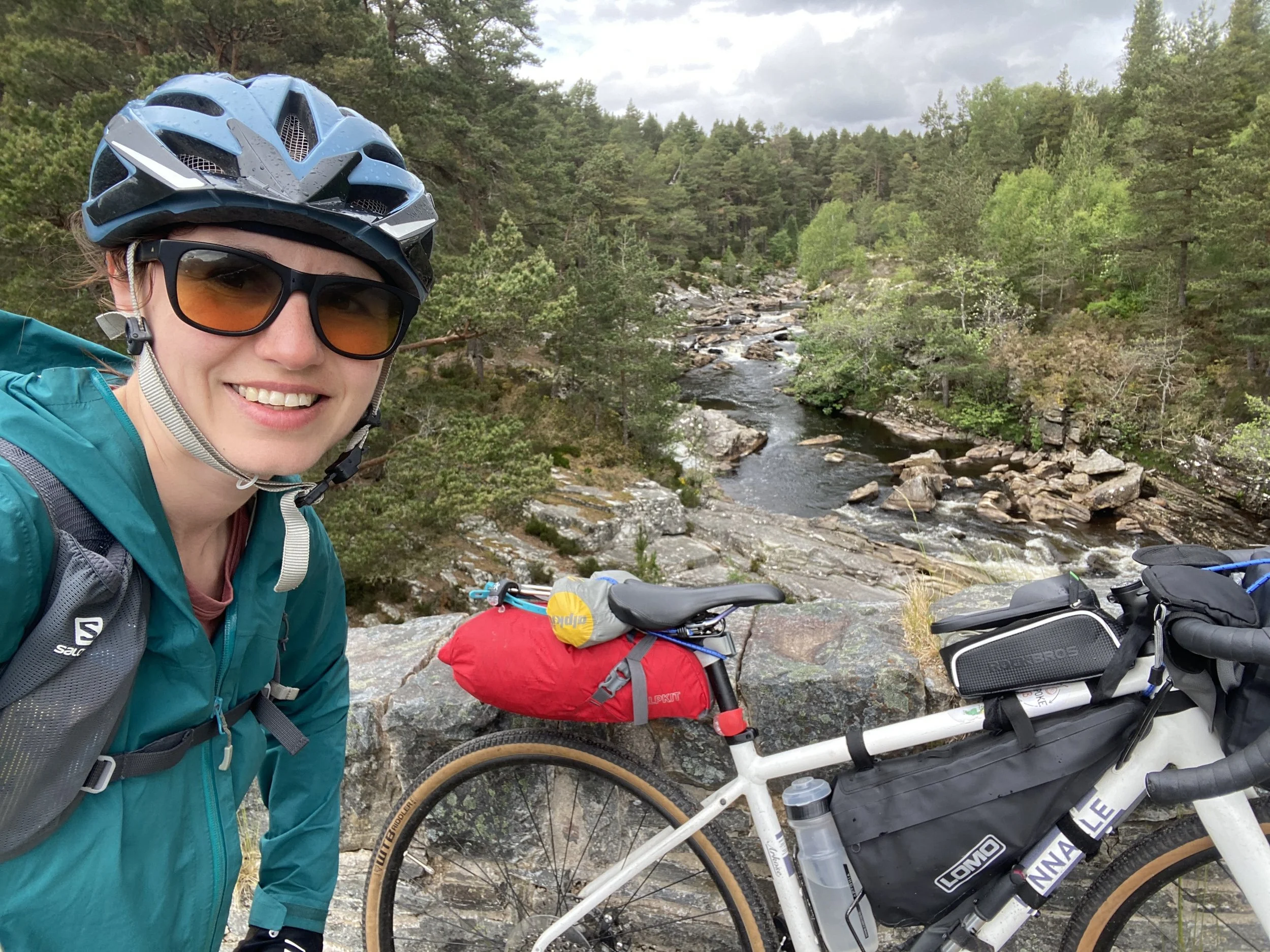
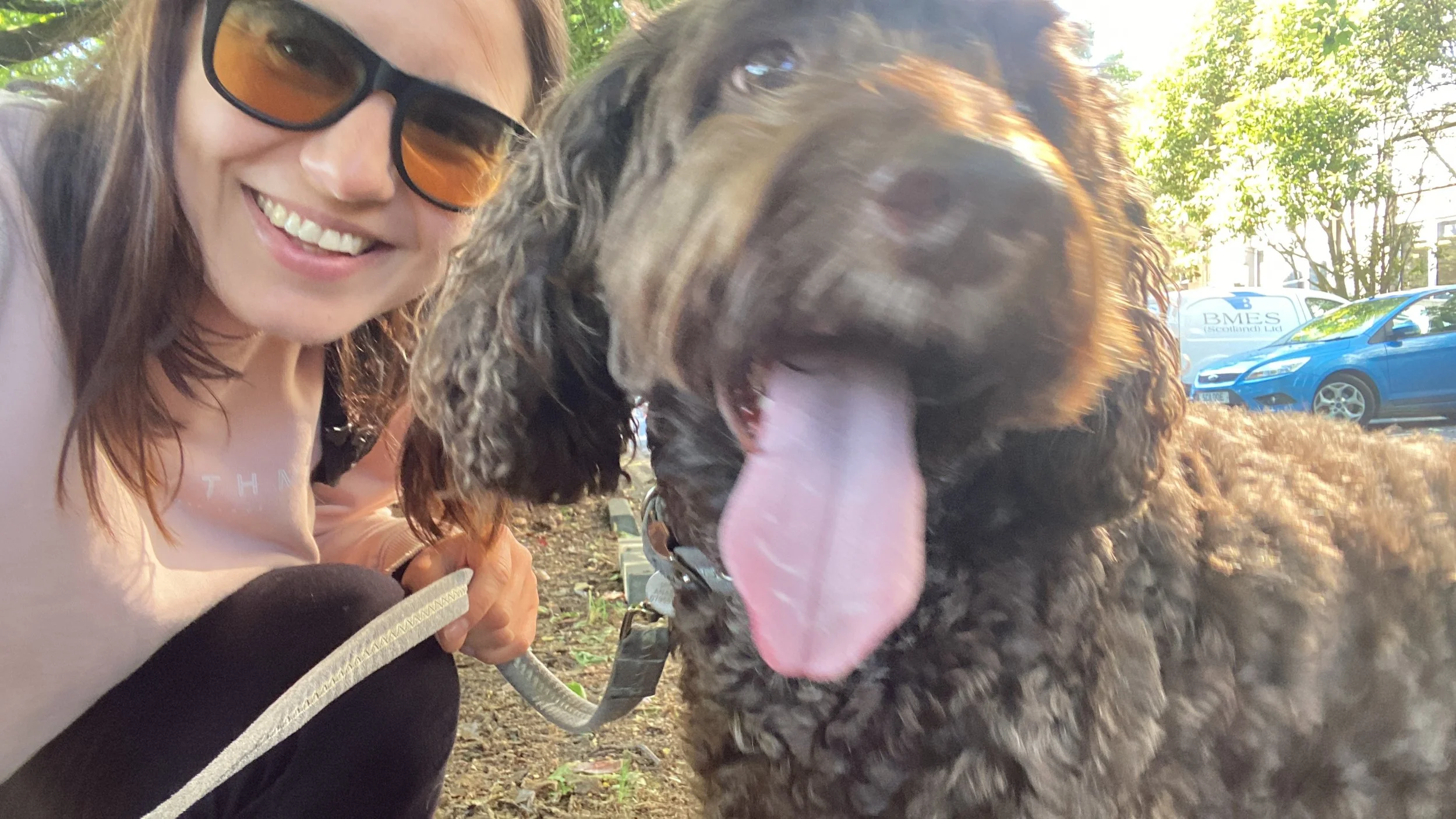
I'm a designer, researcher and explorer, with a passion for creating interactive experiences for products that help people experience better and fuller lives. I live in Edinburgh, Scotland and spend most of my free time outdoors, hiking, cycling, climbing, surfing or just walking my dog. Open to occasional travel and hybrid working, and always up for an adventure.
-
For over ten years I've worked with purpose-driven start-ups, scale-ups and agencies, building experiences across mobile apps, web, TV and wearables. That work has grown weekly active users and daily logs, unlocked new revenue, won awards, and earned positive user and media reviews. What drives me is helping people make the most of the little time we have on this planet.
-
The magic is in the collaboration - helping founders define direction, working with engineers to find the best way to build the envisioned experience within constraints, working with other designers to create a seamless experience in line with design system and brand.
I thrive in complicated interactive product ecosystems, figuring out edge cases, creating multi-platform experiences.
-
Redesigned core user flows for an award-winning US epilepsy app, boosting conversion (Epsy Health)
Helped build, launch and grow the highest rated interaction fitness platform in the UK (Fiit).
Designed the experience for a fitness wearable that received an ISPO award in 2017 (TomTom Sport).
Received a 1st class honours degree from Edinburgh University.
How I work in the age of AI
Every project requires a tailored approach, but the shape is generally the same. What's changed over the last three years is how much of the manual work has reduced and how depth of thinking and strategy have increased.
I started using AI in 2023, first for making sense of survey answers and interview transcripts on a medical app, then across research, prototyping and handover. It hasn't changed the stages in my approach, but it has shifted the effort from production to strategic thinking.
1. Understand the problem and user needs
Through research and data analysis, with over 100 hours of user interviews, field tests and focus groups conducted over the years.
I can now analyse and synthesise large volumes of survey comments, interview transcripts and other sources of feedback in a day, instead of a week. As part of this, I’ve built and used Copilot agents that have helped speed up this work.
I also rely on Amplitude AI to pull up product analytics, which means I can look at what people actually do and what they say about it on the same afternoon.
2. Explore solutions with the team
Through collaborative workshops and brainstorms, I like to work out the business need and the technical constraints together with the team.
This is where AI has changed my process significantly. I use it to find the edge cases and best practice approaches, which reduces the need for back and forth later in the process. I also use it to get my head round how something might be built, so when I sit down with a developer I already have a rough idea of what I'm asking for and how much work it might be.
3. Iterate through prototyping, A/B testing, user testing and design reviews
I’ve been using Figma Make to speed up prototype creation and to communicate transitions and states with developers and product managers.
I've also built a Make kit from our design system, so product managers can put feature mockups together for testing. This has meant that ideas get tested earlier and quicker, and design resource is not a bottleneck.
Figma agents have helped significantly with the more manual aspects: swapping out component instances, replacing content in bulk, checking links with the right variables and styles, creating iterations of concepts, and quickly summarising comments and feedback into a to-do list.
4. Build and release in stages, checking the impact along the way
I’ve started working with the Figma MCP connection to VS Code and Claude Code to bring designs and code closer together and minimise the need for handoff specs. This process is a work in progress and where most of the learning is happening in 2026.
On the delivery side, I’ve been using the Jira AI agent to update tickets in bulk, create custom views to support the design team’s prioritisation and for linking insights across tickets.
5. Optimise and learn
I use data and changes in key metrics, monitoring of user feedback, experimentation and post-release follow up surveys to assess the impact of my work on the product and user perception. Then I feed any learnings back into the product roadmap for continuous improvement.